
Oryginał: angielski. Tłumaczenie jest dostępne w przeglądarkach obsługujących tę funkcję.
ASUS DisplayWidget Center adds natural-language display controls
The software update combines agent-ready monitor controls, application profiles and more accessible OLED-care settings on compatible models.
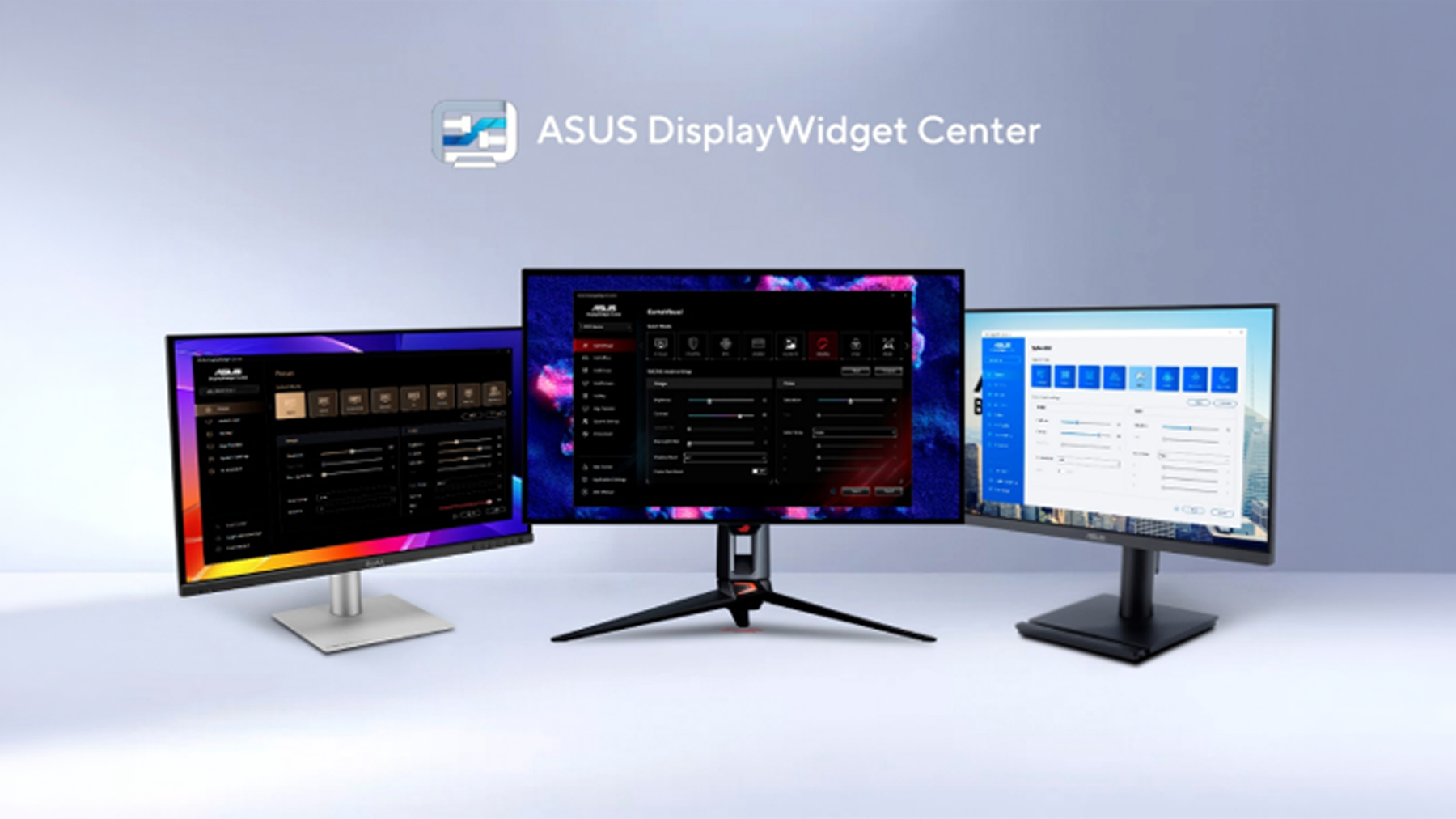
- Local display-control command line
- Application-specific settings through App Tweaker
- Functions depend on monitor compatibility
ASUS introduced Display Control CLI and an Agent Skill as a way for compatible assistants to translate a request into local monitor-setting commands. Supported adjustments include brightness, color temperature, color modes and OLED Anti-Flicker. Multiple compatible displays can be managed together.
App Tweaker switches display profiles with the active application. The update also exposes OLED-care options and pixel-cleaning reminders, while ColorSync supports consistent settings across identical displays. ASUS says feature availability varies by model; the announcement does not make every function universal across its monitor range.
Source & dates
ASUS Business ↗ Opens in a new tab- Source publication
- Our publication
- 08.10.2026
- Source verified
- 08.10.2026
An original editorial summary of the linked source. Product specifications are attributed to the manufacturer.